Online PLC Simulator

A browser-based PLC ladder logic simulator and structured text editor. Design, simulate, and test your PLC programs online — no install required.

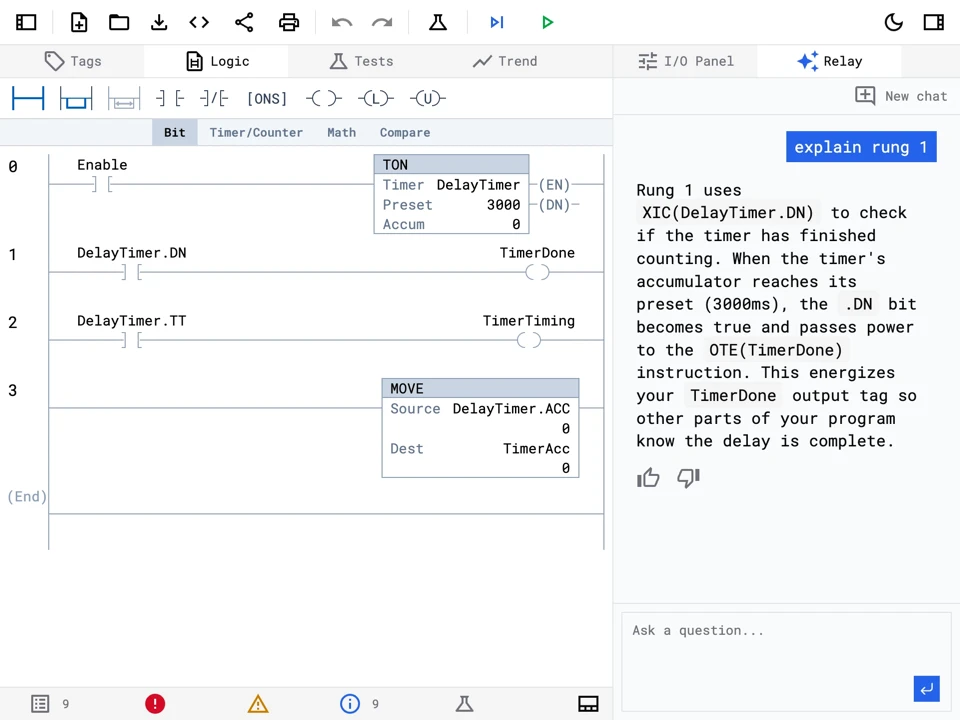
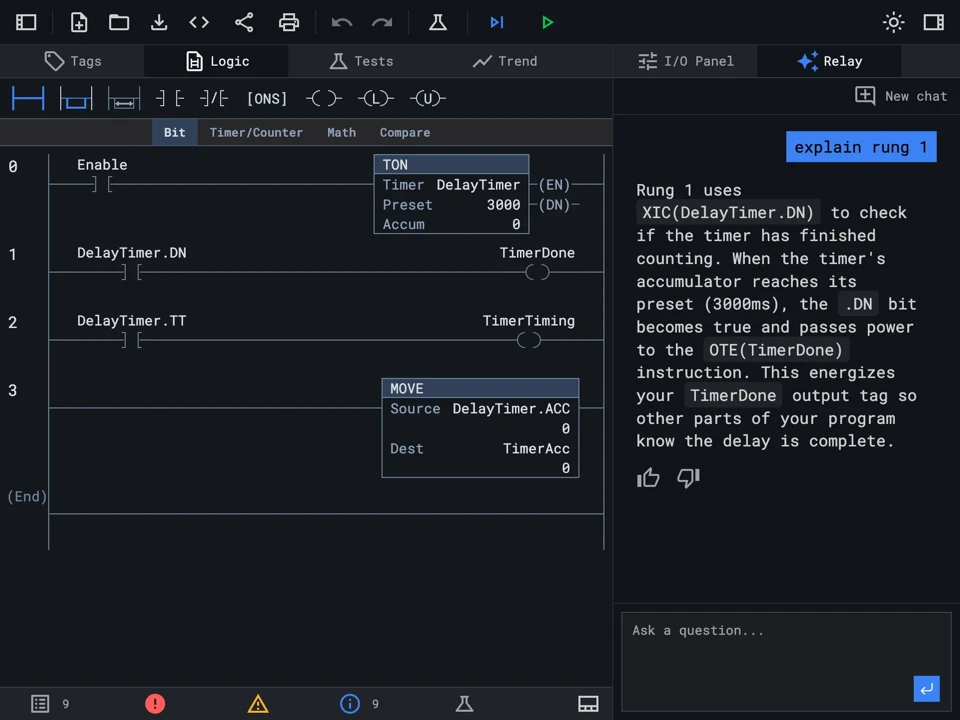
Ladder Logic Editor

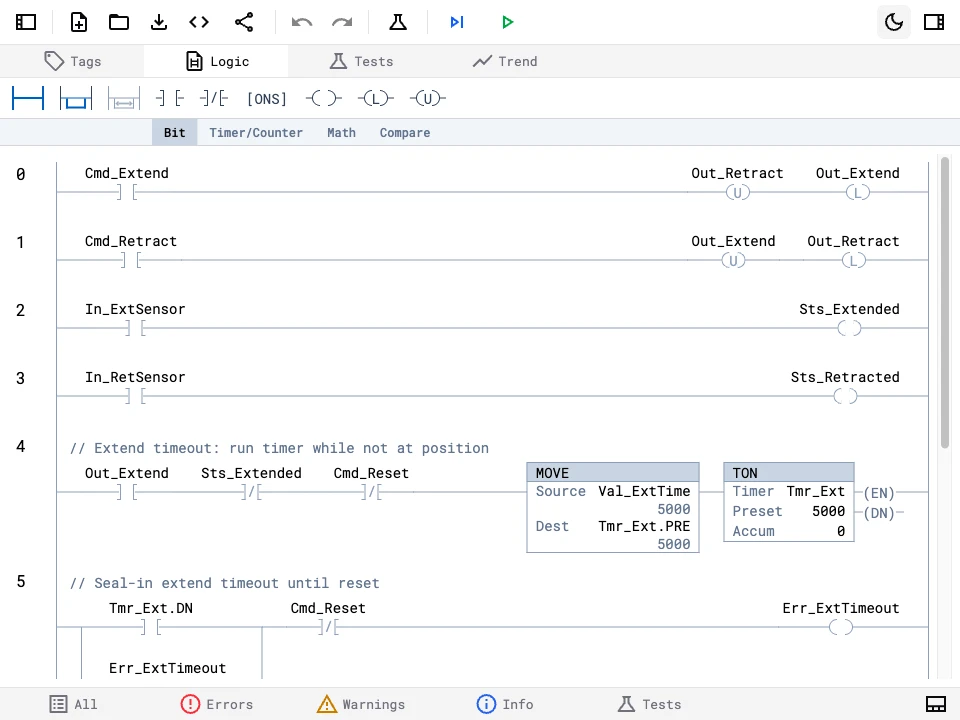
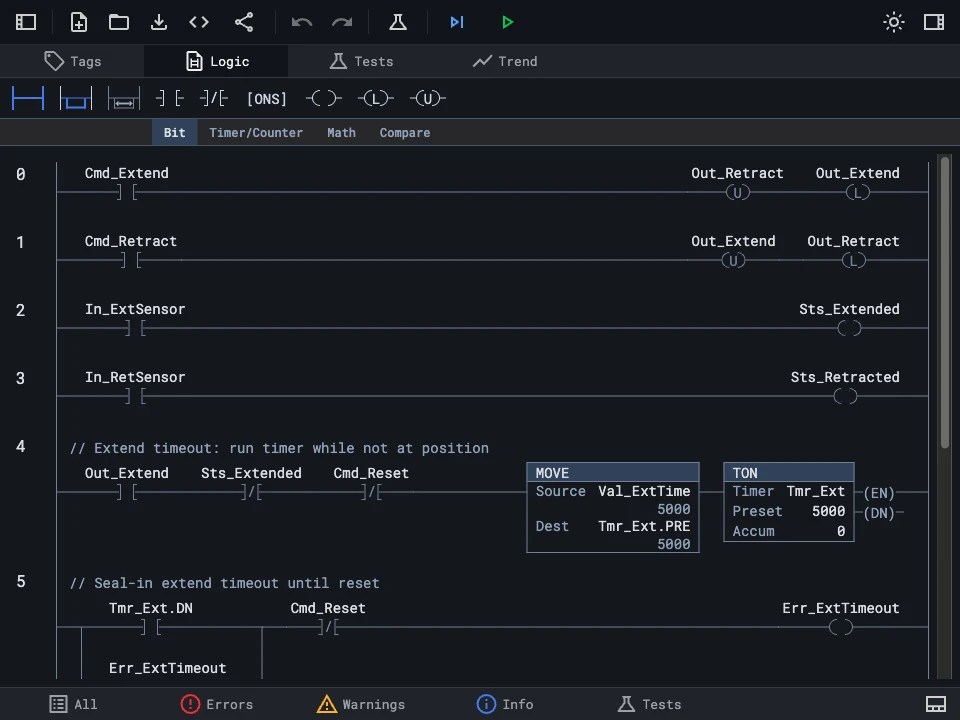
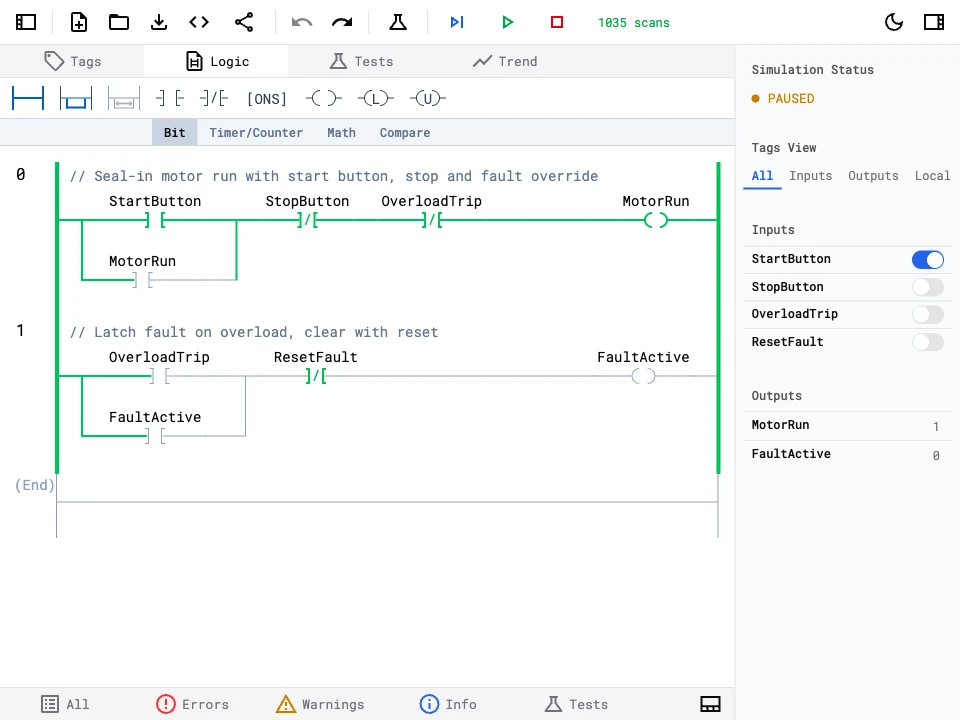
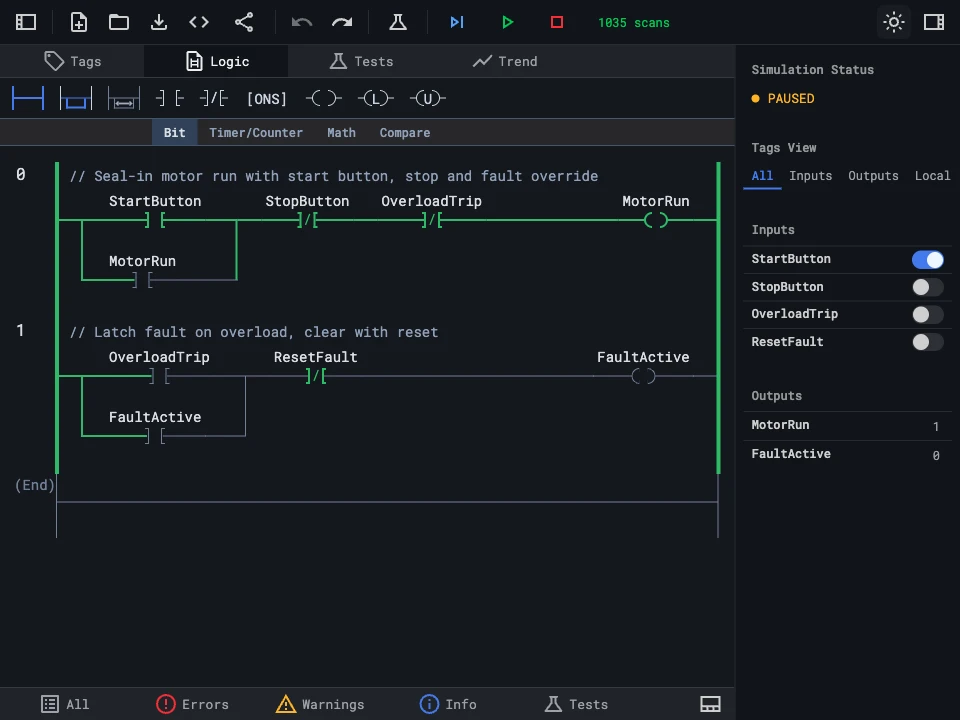
Build and simulate PLC ladder logic programs with a visual drag-and-drop editor. Add rungs, branches, and instructions like XIC, XIO, OTE, timers, counters, and math operations — all rendered as standard ladder diagrams. This online PLC ladder logic simulator lets you practice and learn PLC programming without any installation.

Ladder logic editor showing rungs with XIC, XIO, OTE instructions and branches in a MotorControl AOI

Structured Text Editor

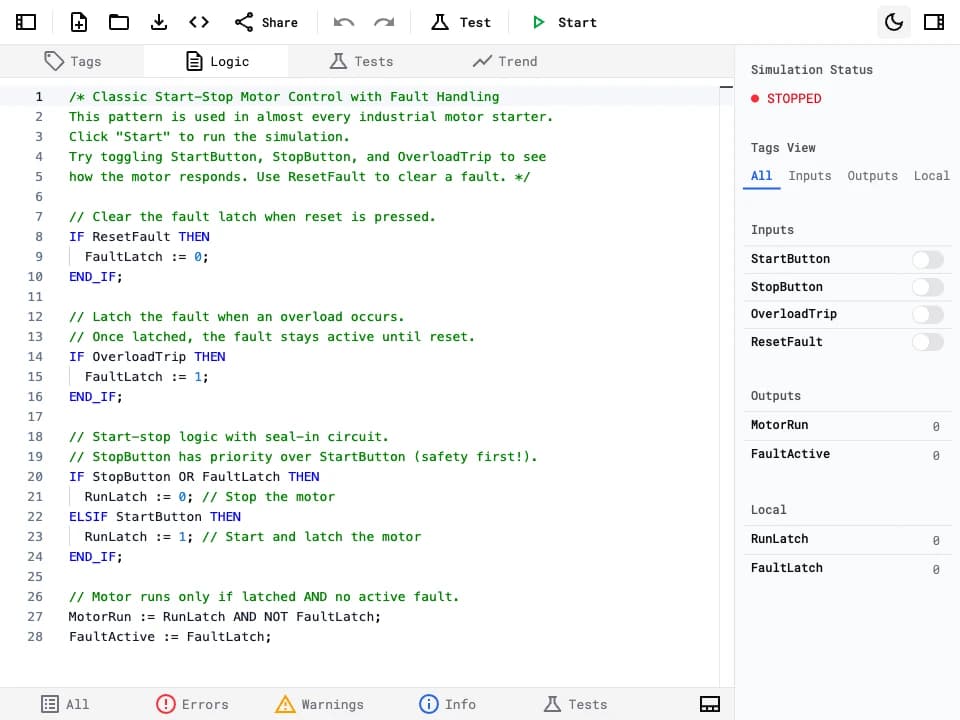
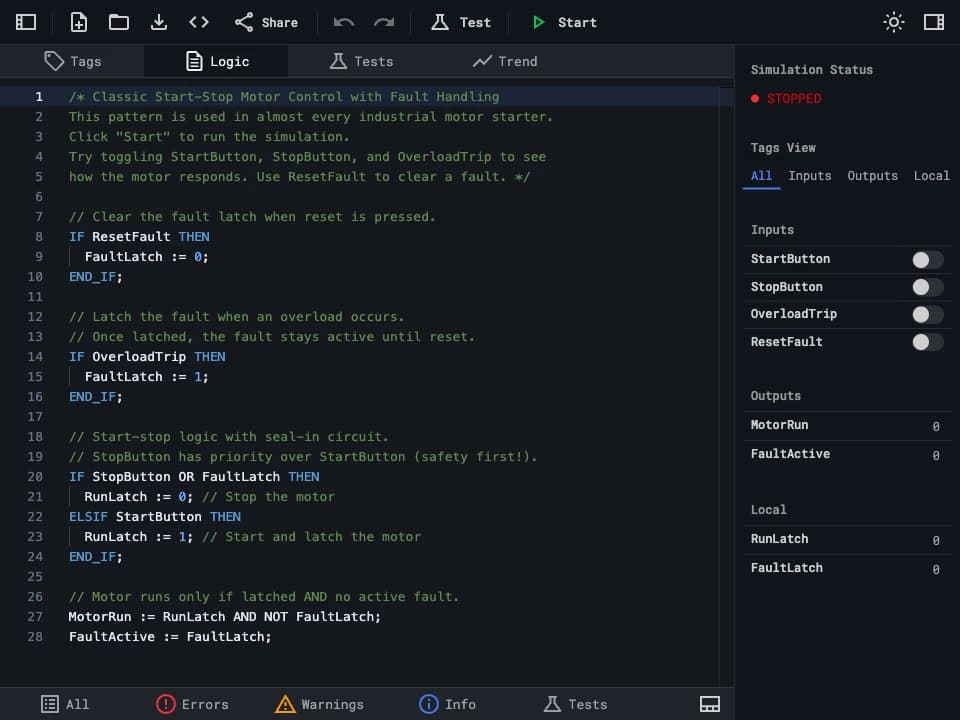
Write Structured Text confidently with syntax highlighting and instant error feedback. Full support for IF/THEN, CASE, FOR, and WHILE so you can focus on logic, not syntax. Perfect for learning Structured Text or prototyping control logic before deploying to a real PLC.

Structured text editor showing a MotorControl AOI with IF/THEN logic for motor start, stop, and fault handling

Tag Management

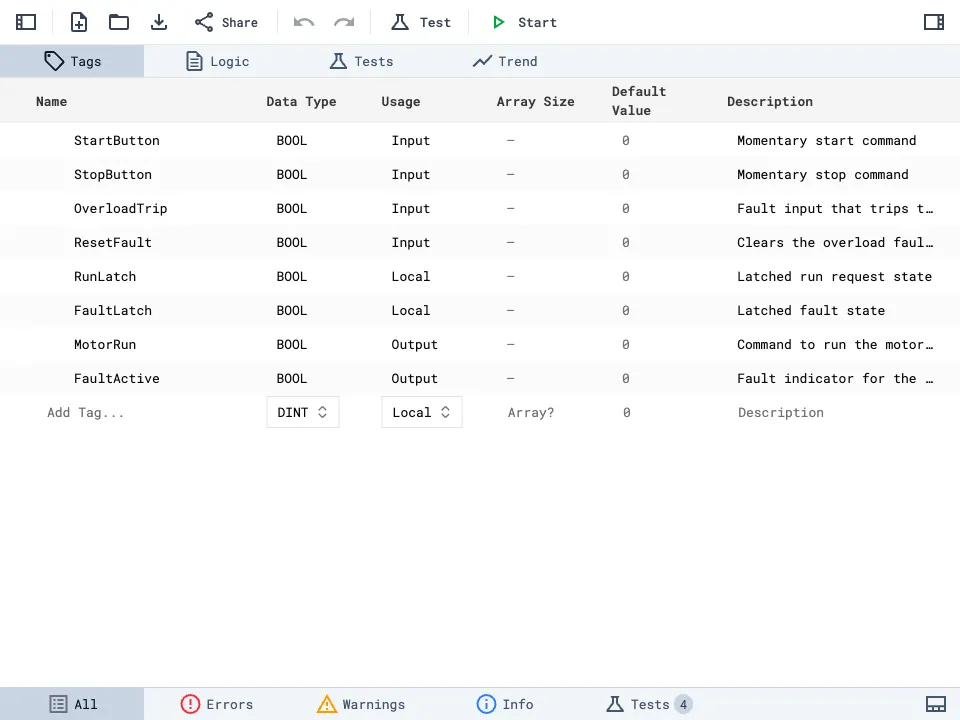
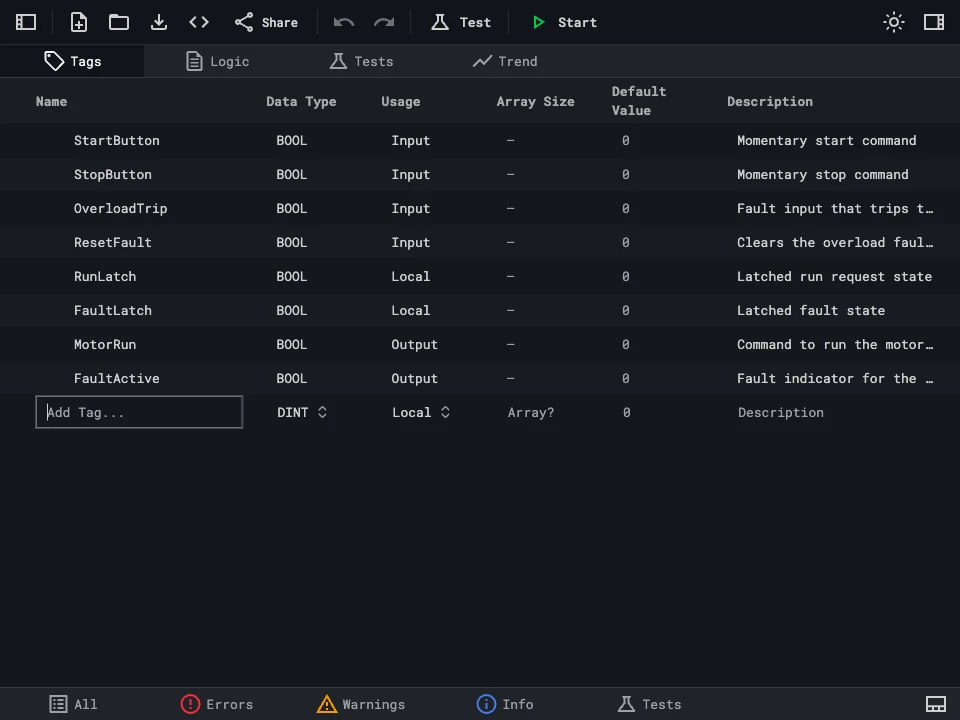
Define and organize your PLC tags with full data type support including BOOL, DINT, REAL, and arrays. Assign usage as Input, Output, or Local, set default values, and add descriptions — just like a real PLC tag database.

Tag editor table showing tag definitions with columns for name, data type, usage, array size, default value, and description

Real-Time Simulation

Run your PLC programs directly in the browser — no hardware required. Toggle inputs, watch outputs update in real time, and verify your ladder logic or structured text behaves correctly with a built-in scan-cycle simulator. Use this PLC simulator as a training tool to learn, experiment, and debug without risk.

Simulation running with live tag values showing FillCmd active, Level at 100, and HighAlarm triggered

Integrated Test Runner

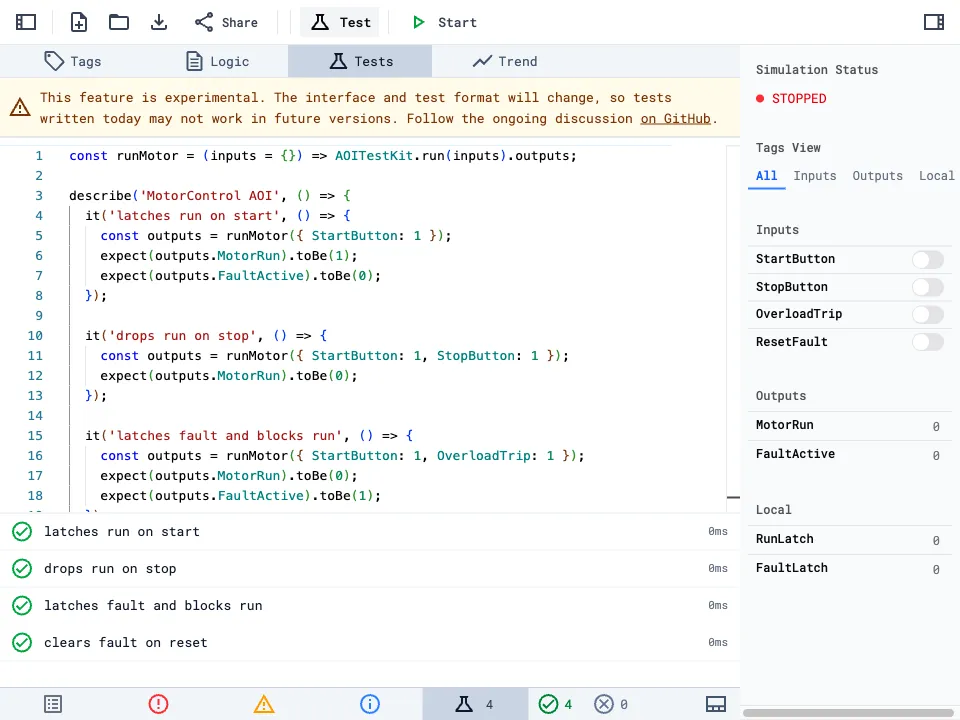
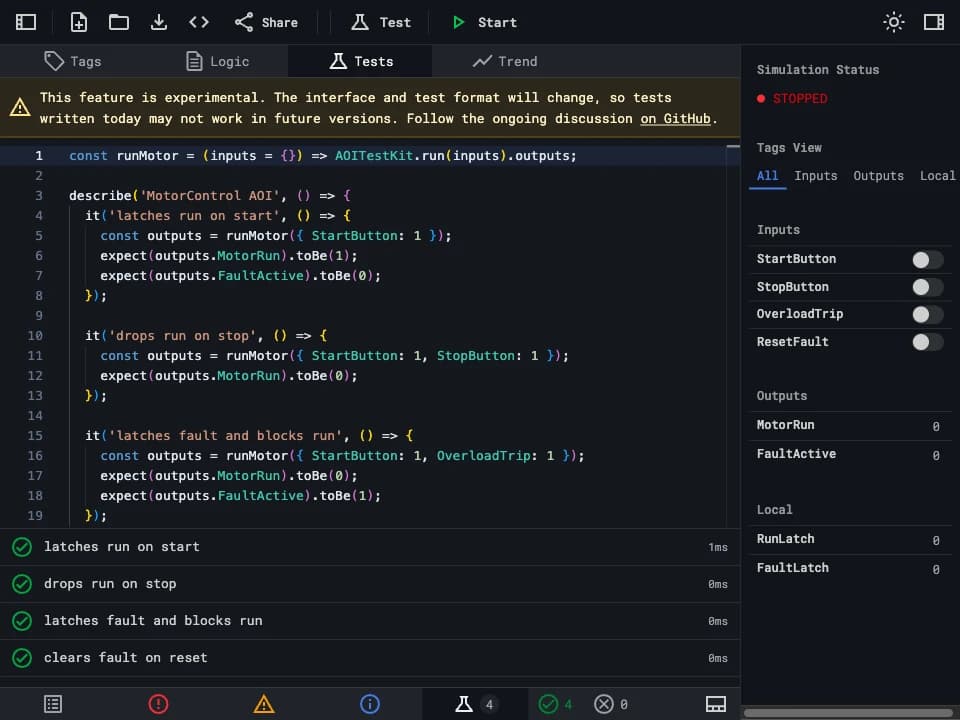
Write automated tests for your Add-On Instructions and run them instantly. Define test scenarios with input states and expected outputs to catch logic errors before they reach production — bringing software testing practices to PLC programming. Each test runs in an isolated scan cycle so results are deterministic and repeatable.

Test runner showing four passing tests for MotorControl AOI including start, stop, fault, and reset scenarios

Trend Analysis

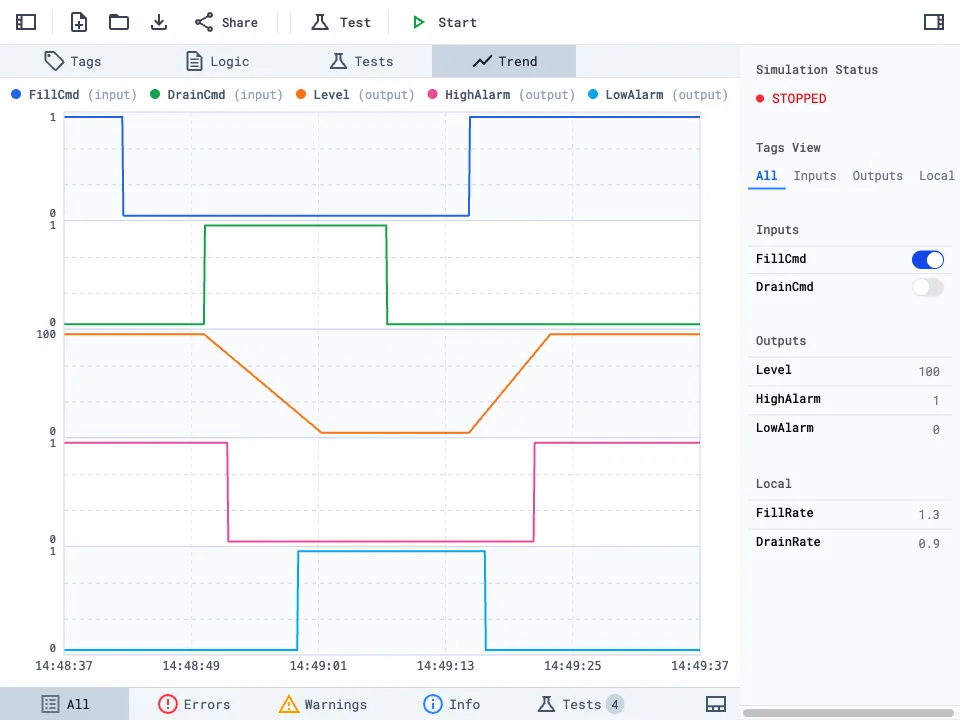
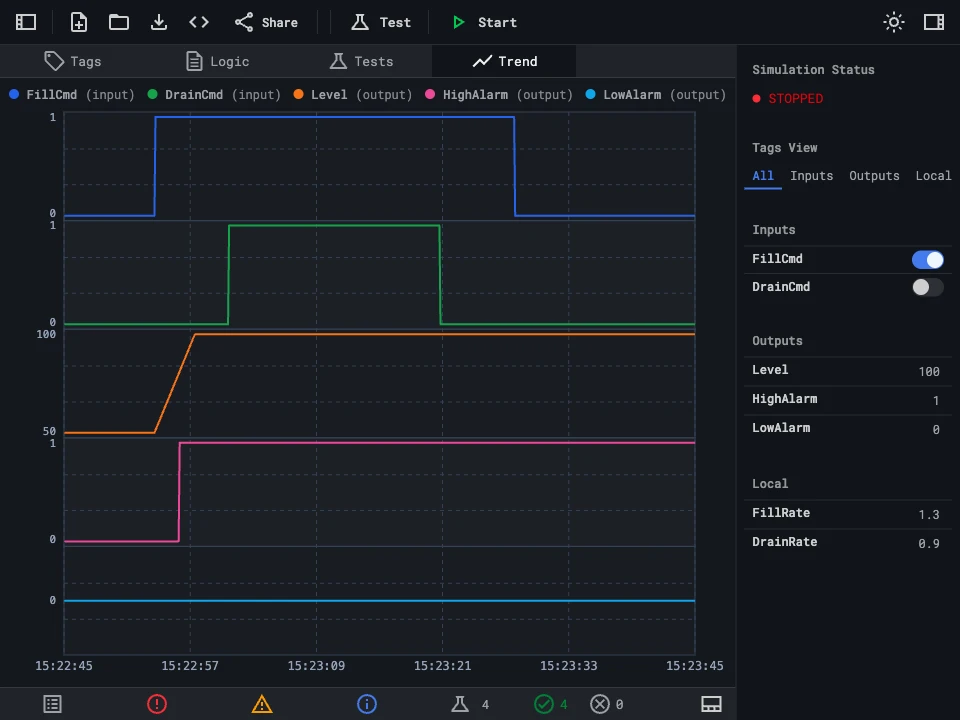
Visualize PLC tag values over time with built-in trend charts. Monitor how inputs and outputs change across scan cycles during simulation to debug timing issues and verify process behavior. Overlay multiple signals on a single chart to compare relationships between input and output variables.

Trend chart displaying FillCmd, DrainCmd, Level, HighAlarm, and LowAlarm signals over simulation time

The 9 Rungs

0

// No installs, no OS lock-in. rungs.dev runs in the browser so you can start writing logic instantly.

Accessibility

1

// You shouldn't need expensive software just to learn, teach, or explore PLC logic.

Affordability

2

// One AOI at a time. Isolate the smallest piece of logic, test it, and know exactly what it does.

Isolation

3

// Write tests for your AOI. Run the logic, set inputs, check every output. Watch values change over time with the trend view.

Testability

4

// Export your AOIs and share them with your team or anyone else.

Sharing

5

// Every AOI is defined by its parameters. Set those up and others can understand your logic without digging into the code.

Documentation

6

// This isn't a toy. rungs.dev is meant for people who care about clean, reusable logic on real machines.

Professional-Grade

7

// No proprietary binary formats. .rungs files are plain text, so version control works the way it should.

Versionability

8

// Start simple, build up to real control logic. We're learning with you — the tool evolves based on what you need.

Continuous Learning